PRACTICAL NOTES / BAKHTAWAR KHAN
Measure a specific slow interaction
When a React interface feels slow, it is tempting to add memoization everywhere or rewrite large components. A better first step is to reproduce the problem and measure it. Identify whether the delay comes from JavaScript execution, network requests, large images, repeated rendering or layout shifts.
Reduce work before adding memoization
Start with the user journey. Check the initial page load, the first meaningful interaction and the slowest route on a real mobile device. Use browser performance tools and Lighthouse as diagnostic aids, then verify findings instead of treating one score as the whole story.
Keep network states usable
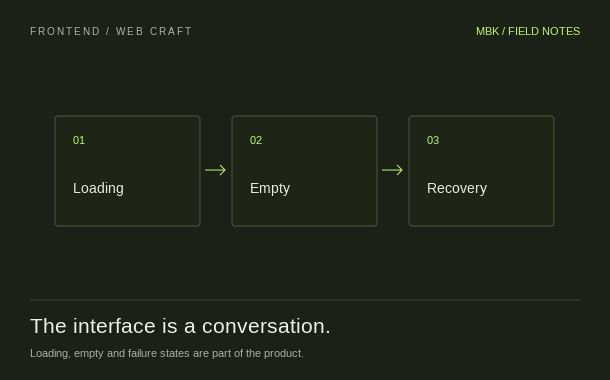
Keep components focused, avoid unnecessary state duplication and split large bundles when the route or feature genuinely benefits. Optimize images, remove unused dependencies and provide loading, empty and error states. Use memoization only when profiling shows it helps; it can make code harder to maintain when used without a reason.
Verify the result on a real device
A useful before-and-after note should record the tested page, device or throttling profile, what changed and the measured result. Never claim a speed improvement without comparable measurements.
Further reading: Official documentation ↗